Creating a high-performance home office doesn’t require a massive renovation or a corporate-sized budget. Most productivity bottlenecks stem from ergonomic strain and inefficient organization rather than a lack of expensive hardware.
By focusing on targeted, cost-effective adjustments, you can bridge the gap between a makeshift workspace and a professional-grade environment that sustains focus.
Optimizing your setup involves more than just aesthetics; it is about leveraging smart tools that provide the highest return on investment for your health and workflow. These intentional upgrades ensure that your physical space supports your professional output without draining your finances.
Read on to discover how you can transform your workspace into a powerhouse of productivity using these practical, budget-friendly strategies.
1. Clear & Zone Your Command Center
Purge first, sort second. Start by recycling outdated paperwork, returning rogue coffee mugs to the kitchen, and evaluating your electronics.
As you retire gadgets you haven’t used since 2019, consider the state of your core hardware; if your current machine is struggling, identifying the need for PCLiquidations’ affordable refurbished desktop computers now can save you frustration later in the process. Once cleared, create three distinct zones to maintain order.
Designate a primary work surface for your keyboard and mouse, ensuring it stays clear of debris. Establish a peripheral shelf for items like printers or speakers to keep them off the main desk.
Finally, set up a drop tray for keys and personal items to prevent random clutter accumulation. Visual clutter competes with your brain’s processing power, so a tidy desk can raise focus levels immediately.
2. Let There Be (Better) Light
Harsh overhead fixtures create glare and eye strain; aim for about 500 lux of task lighting instead. Pick an adjustable desk lamp with an LED bulb to ensure color accuracy and reduce visual fatigue.
To further reduce contrast strain, add bias lighting (an LED strip) behind your monitors for a soft glow. Remember that color temperature matters: warm light helps with evening tasks, while cooler light keeps you alert during the day.
3. Tame the Cable Kraken
Unplug everything and label each cord while you’re at it – future you will applaud the effort. Bundle cables with Velcro ties, snake them through under-desk raceways, and anchor power strips with removable command strips.
For safety, always keep surge protectors off the carpet and avoid daisy-chaining extension cords. Snap “before and after” photos to remind yourself of the victory over the mess.
4. Dial In Ergonomics for All-Day Comfort
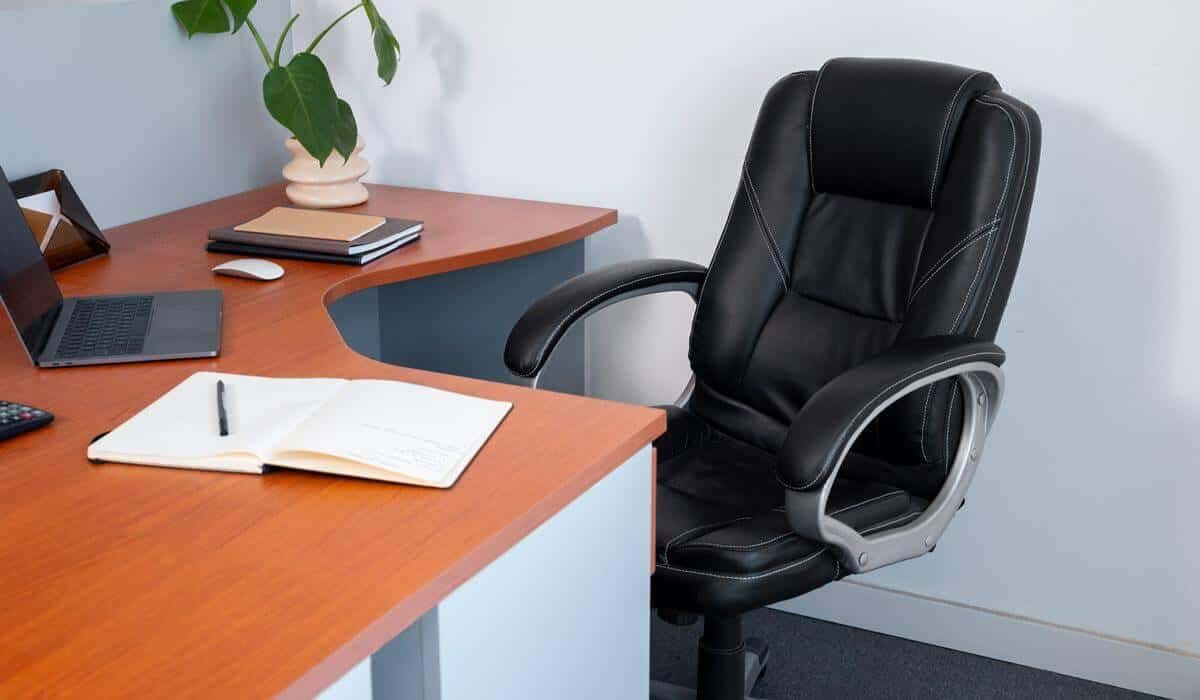
Proper ergonomics are essential for long-term health and focus. Adjust your chair height so your elbows rest at 90 degrees and feet plant flat on the floor; use a lumbar pillow if your chair lacks support.
The largest reduction percentage was for the neck region (−42.2%), followed by the left upper limb (−29.6%) when proper ergonomic interventions were applied, according to research available on NCBI. A laptop stand and external keyboard can correct viewing angles and save your neck from strain.
| Key Insight: Visual clutter and poor lighting aren’t just aesthetic issues; they directly impact cognitive load. By clearing your physical space and optimizing light, you are literally freeing up brainpower for deep work and creative problem-solving. |
5. Expand Your Visual Workspace
Dual monitors can boost task efficiency significantly in spreadsheet and design work. A study from the University of Utah found that using a widescreen monitor increased productivity by 52% over a single monitor. Before buying, measure your desk depth first to ensure you have roughly 20 inches of clearance for proper viewing distance.
You have several budget-friendly options to achieve this setup. Consider a second full-size monitor from local classifieds or a portable 15-inch USB-C display for tight spaces. A single monitor arm can also help lift and tilt screens, freeing up valuable desk real estate.
6. Boost Computing Power Without Blowing the Budget
Tabs freezing and video calls dropping are signs you might be bottlenecked by an outdated processor or overtaxed RAM. Instead of paying new-machine prices, many remote pros turn to vetted business-class towers that deliver modern workflow speed for a fraction of retail.
These units often offer significant savings versus new models while providing robust performance. Look for a specs sweet spot like a Quad-core i5/i7 processor and 16 GB of RAM.
7. Strengthen Connectivity & Storage
Ensure your digital infrastructure is as solid as your physical one by upgrading your router if it predates Wi-Fi 5. Essential security tools like a password manager and VPN are critical for protecting sensitive client files in a home environment.
For data safety, pair an external SSD with cloud sync to create a redundancy plan. A multi-port hub can also prevent the dongle snowball by combining USB-C, HDMI, and Ethernet connections into one device.
8. Layer In Personal & Wellness Touches
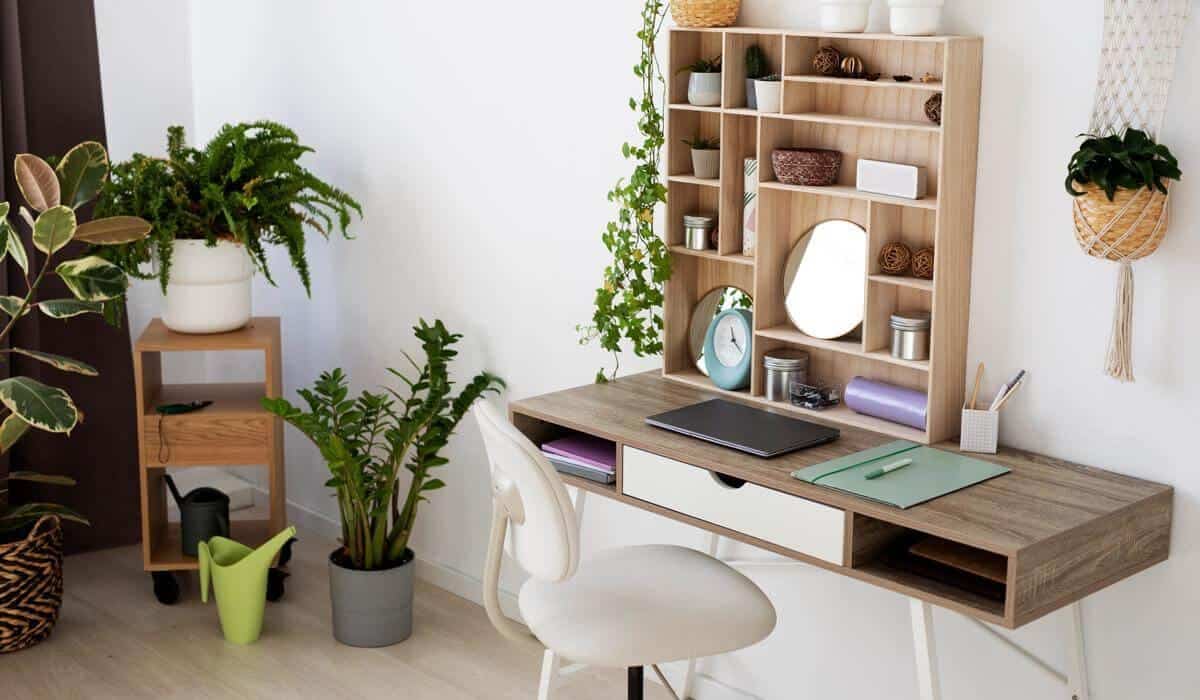
Finish your reset with elements that support your well-being and mental state. Add an air-purifying plant, like a snake plant or low-maintenance succulent, to lift the mood of the room. Install a small whiteboard or cork strip for quick brainstorming without adding paper clutter to your surface.
Finally, set up a compact Bluetooth speaker for background music to improve concentration.
Your Next Steps
In just one weekend, you can swap that cluttered, slow-motion workspace for a high-performance home office that supports deep work. Investing time in your environment pays dividends in focus, health, and output.
| Author Profile: PCLiquidations is the leading online retailer of quality refurbished technology for businesses, schools, government organizations, and home users. |