Sitting at a poorly configured desk for eight hours a day slowly drains your physical energy and fractures your concentration throughout the day. Many remote professionals tolerate clunky setups, enduring constant neck strain, messy cables, and weak lighting simply because a total room remodel feels too expensive or time-consuming.
Luckily, you don’t need a massive budget or an interior design degree to build a high-performance workspace. Making strategic, self-made adjustments to your current environment allows you to eliminate daily physical irritations and optimize your workflow.
In this article, we will outline highly effective upgrades you can implement this weekend to transform your home office into a deeply comfortable, focused haven that fully supports your professional stamina.
Why a Few Simple Fixes Make Work at Home Feel a Lot Better?
Small annoyances at your desk add up to big physical pain by the end of the week. When your monitor sits too low, or your wrists rub against a sharp desk edge, your body tenses up to compensate. These tiny strains cause headaches and drain your energy before the afternoon even begins.
Making simple, quick adjustments directly stops this cycle. Placing your screen at the right height reduces neck strain, freeing up your energy so you can focus on your work.
Start With the Things That Bother You Most Every Day
Too many people buy random office gadgets before they figure out what is broken in their setup. We suggest paying attention to how your body feels for a couple of days.
Note when your shoulders start to ache, when the light forces you to squint, or how often you hunt for a charging cord. If a messy pile of wires or a shaky table constantly bugs you, fix those specific problems first. Managing your biggest daily frustrations gives you an instant boost in comfort.
Easy Desk Upgrades That Don’t Cost Much but Help a Lot
Most standard desks are fixed in height, which forces you to slouch. Richard Huang, the CEO of Reframe Space, emphasizes that adjusting how you rest your arms on your desk can bring significant relief without purchasing expensive new furniture.
Instead of replacing the whole desk, screw an inexpensive, slide-out keyboard tray underneath your desktop. Dropping your keyboard and mouse a few inches lower lets your shoulders relax and keeps your elbows at a comfortable angle. You can also stick a soft, high-density foam strip along the sharp front edge of your desk to protect your wrists from painful pressure during long typing sessions.
Better Light Can Change How the Whole Room Feels
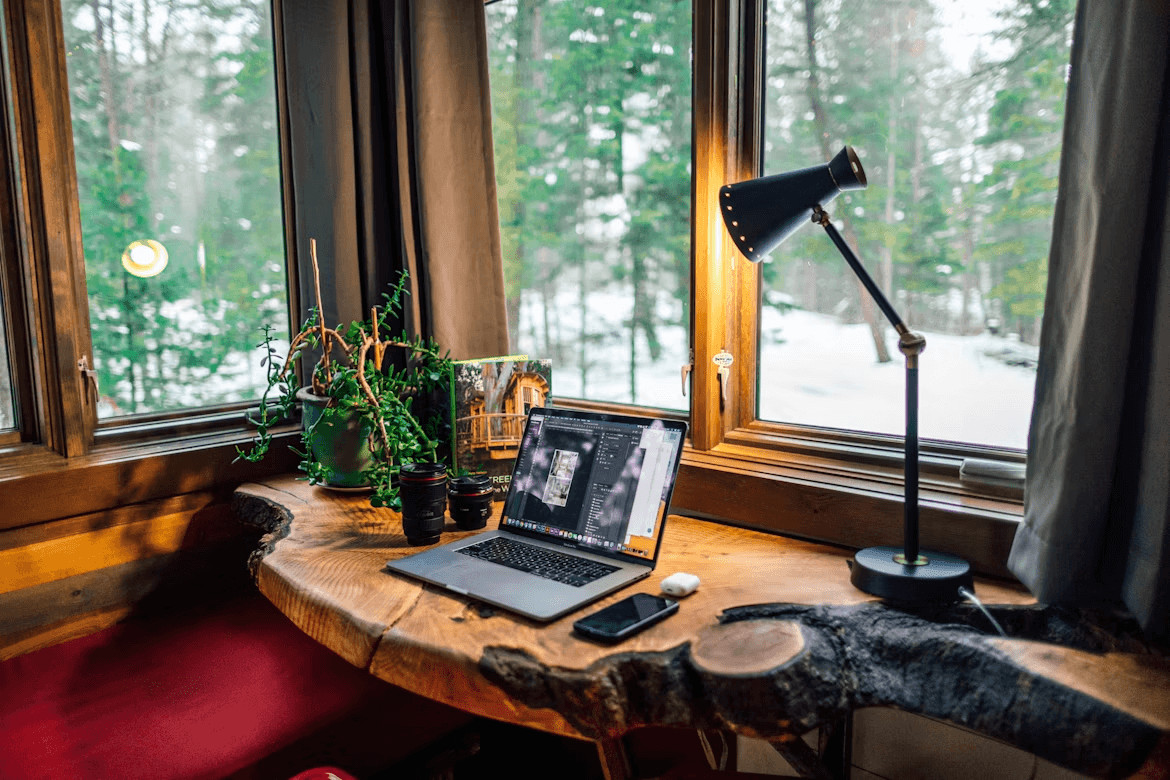
Using one bright overhead bulb makes your eyes work way too hard when switching between a glowing screen and a dark room. Use a simple layering trick to stop eye strain. Place a small desk lamp on the side you don’t write with to cast a clean glow over your setup.
Then, stick a cheap LED light strip to the back of your computer monitor. This casts a soft light onto the wall behind your screen, reducing glare and making the whole workspace feel warm and easy on your eyes.
DIY Storage Ideas That Keep the Space Cleaner and Calmer
A messy desk can create a messy mind, making it difficult to focus on a single task. When paper, pens, and loose cords scatter across your workspace, the area feels stressful. Move those items off your desk by using your vertical wall space and hidden zones.
Under-Desk Baskets: Screw small wire baskets under your desktop to hide external hard drives and power bricks completely out of sight.
Jar Storage Under Shelves: Glue or screw the lids of small jars to the bottom of a shelf. You can twist the jars on and off to hold loose paperclips and thumb drives.
Felt Drawer Organizers: Line an empty drawer with cheap felt sheets to create soft, neat slots that keep your phone, keys, and notebooks organized.
Clearing the clutter out of your direct line of sight instantly calms your room and helps you stay locked into your work.
Small Comfort Fixes That Make Long Workdays Easier
Sitting completely still for hours stiffens your legs and cuts off healthy blood flow. You can build great physical supports using basic items you already own. If your feet don’t sit flat on the floor while your home office chair is at the right height, slide a firm yoga block or a foam roller under your desk to use as a footrest.
Tilting your feet up slightly takes the pressure off your lower back. Also, try rolling up a bath towel, securing it with rubber bands, and placing it behind your lower back for instant, custom lumbar support.
Quick Upgrades That Make the Setup Feel More Finished
You don’t need a full room renovation to make your workspace look and feel cohesive. Taking a few minutes to tackle the visual mess instantly elevates a basic desk into an intentional home office.
A Better Chair Setup
An ugly, worn-out office chair ruins the look of your entire room. Instead of buying a new one, upgrade your current seat with a fitted, neutral fabric cover. You can also swap out the standard plastic wheels for smooth rollerblade-style casters. These wheels stop your chair from scratching hardwood floors and allow you to glide silently across the room.
Cable Cleanup
A tangled bird’s nest of cords hanging under your desk makes even the most beautiful workspace look incredibly chaotic. Fix this by mounting a simple wire management tray underneath the desk surface. Group your computer and monitor cords together with zip ties, toss the bulky power strips into the tray, and run a single main power line down one desk leg to the outlet.
Wall Shelves
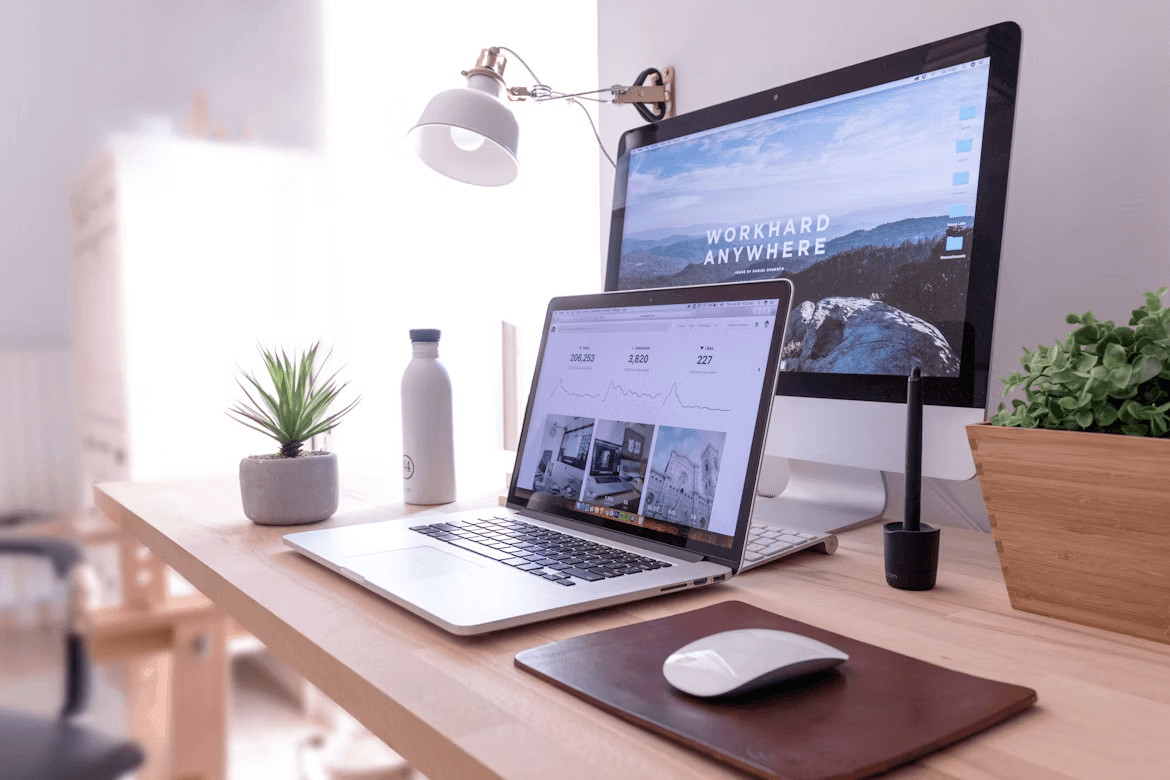
When you store all your books, notebooks, and reference materials directly on your desktop, you run out of working space instantly. Hang two or three floating wooden shelves directly above your monitor. This trick moves your heavy items up off your desk, giving you a clean workspace while keeping your essential tools within arm’s reach.
A Footrest or Desk Riser
Leaving your computer screen sitting flat on your desk forces you to crane your neck downward all day. Instead, place your monitor on a sturdy wooden riser block or a stack of hardback books.
Elevating the screen to eye level relieves neck strain and creates a perfect storage slot underneath to hide your keyboard when the workday ends.
What to Do When You Work With Very Little Space
When your entire office must fit inside a tight bedroom corner or a hallway closet, you can’t afford to waste an inch of floor space. Start by swapping out deep, heavy wooden desks for a slim wall-mounted drop-leaf table.
This type of desk folds completely flat against the wall when you finish your shift, giving you your room back at the end of the day.
You should also choose a compact task chair without armrests so it slides fully underneath your workspace, keeping your walking paths completely clear when you clock out.
Common DIY Mistakes That Make a Home Office Less Comfortable
Many remote workers rush to build their own workspaces without considering how their bodies will feel after hours of continuous typing. Avoiding these basic setup traps keeps your small space highly functional.
Using Scrap Wood at the Wrong Height
Grabbing a random piece of plywood and mounting it to the wall without measuring your seating position causes immediate neck and back strain. A desktop that sits too high forces you to shrug your shoulders all day, while a surface that is too low makes you hunch over your keyboard.
Picking Style Over True Support
Placing a trendy, unpadded wooden dining chair at your desk might look great in photos, but it ruins your posture within a single afternoon. A workspace chair must offer proper lower back support and a comfortable cushion if you plan to sit in it for a full workday.
Taping Wires to the Floor
Sticking your power cords down with basic packing tape to get them out of sight creates a messy, sticky trap that lifts up over time. This cheap fix fails to protect the wires and builds dangerous tripping hazards right around your seating area.
Which Upgrades Are Worth Doing First?
You don’t need to tackle your entire office project at once to see a massive jump in comfort. Prioritize the fixes that directly affect your body before worrying about how the room looks. Start by elevating your monitor to eye level with books or a basic riser block to help stop your daily neck pain.
Next, adjust your keyboard position using a slide-out tray so your shoulders can drop and relax. Fixing your posture and screen height removes 90% of your daily physical fatigue, making it the smartest use of your time and energy.
Can a Simple DIY Setup Still Feel Good Enough for Full-Time Remote Work?
A home workspace doesn’t need an expensive price tag to support a full 40-hour workweek. A simple, DIY-style setup functions flawlessly when you design it around your body’s true dimensions.
When you place your screen at eye level, position your keyboard low enough to relax your shoulders, and clear away visual clutter, you match the utility of any corporate executive suite. Prioritizing these physical comfort factors over fancy, high-end aesthetics ensures you stay highly productive and completely pain-free during long, demanding shifts.
The Bottom Line
A high-performance home workspace relies entirely on how well the environment supports your body, not how much money you spend on high-end office furniture. Taking a weekend to fix small, hidden strains like low monitor heights and unmanaged clutter gives you an instant boost in daily energy.
These budget-friendly adjustments remove the physical limitations that slow you down, allowing you to breeze through your task lists without hitting an afternoon slump. Ultimately, taking charge of your immediate environment ensures your home remains a great place to live while becoming an incredibly productive place to work.