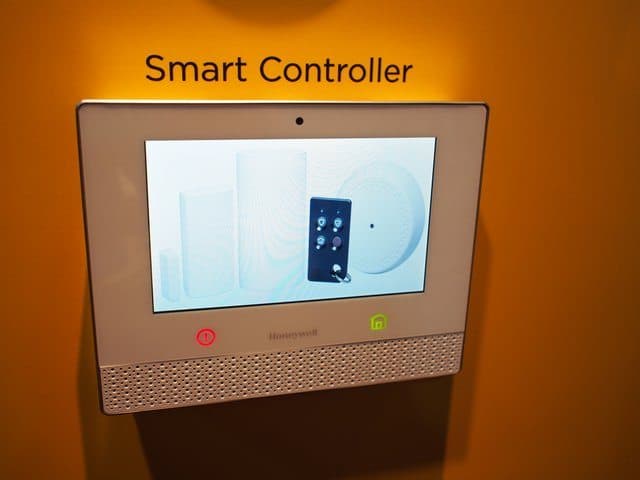
Your home office probably has more than a desk and a laptop. It might include smart speakers, connected lights, wireless printers, smart displays, and app-controlled power strips. These tools make work easier and your space more comfortable.
But every device you connect to your home network adds another entry point for hackers.
Most homeowners focus on protecting their computers. Few think about the smart plug in the corner or the printer that stays on all day. Yet those devices can create real security risks if you work from home.
In this post, understand the risks behind using a connected home office setup and the ways you can protect yourself.
Why Connected Home Offices Create New Security Risks
Today’s home office is part of a larger smart home system. Lights adjust automatically. Speakers manage reminders. Printers and storage stay connected around the clock.
The problem is simple. Many smart devices are not built with strong security. They often ship with weak default passwords. Some rarely receive software updates. Others have limited security monitoring.
Hackers look for the easiest way in. Instead of attacking your computer directly, they often target the weakest device on your network. Once they gain access, they move from one device to another. Security experts call this lateral movement.
If your laptop shares the same network as your smart speaker or camera, it may be exposed.
How Hackers Move From Smart Devices to Your Computer
Most smart home devices run basic software. Many do not get regular security patches. If someone breaks into a connected camera or smart plug, they can scan the rest of your network.
From there, attackers look for computers, open ports, or saved login sessions.
Once they find a target, they may use fake software updates, infected downloads, or browser redirects to install malware. Some attacks happen slowly and quietly.
In some cases, hackers change your router’s DNS settings. That means you think you are visiting a safe website, but you are actually being redirected to a harmful version. Over time, this can lead to stolen passwords or hidden data collection.
Because many infections stay hidden, it is important to know how to check for malware on your computer. If you use a Mac, learning how to run a virus scan on a Mac in this Moonlock guide can help you spot problems early and remove threats before they spread.
Practical Ways to Secure a Connected Home Office Setup
The good news is that you do not need to be a security expert to protect your space. A few simple upgrades can make a big difference.
1. Secure Your Router First
Your router is the front door of your home network. Start here.
- Change the default admin username and password.
- Turn on modern encryption such as WPA3 or WPA2.
- Update the router’s firmware when updates are available.
- Turn off remote management unless you truly need it.
A secure router protects every device connected to it.
2. Separate Smart Devices From Your Work Computer
Many modern routers let you create a guest network. This reduces the risk of lateral movement and is highly recommended for smart home devices.
This keeps your work computer on a separate network. If a smart device gets compromised, the attacker cannot easily move to your laptop.
This one step can greatly reduce risk.
3. Run Routine Malware Checks
Even with good network setup, it is smart to check your computer regularly.
Run routine virus scans. Look for unknown apps, strange background activity, or unexpected pop-ups. Early detection can prevent larger problems later.
Final Thoughts
A connected home office offers comfort and convenience. But every connected device comes with responsibility.
Think of your workspace as part of your home system, not just a desk with a laptop. Secure your router. Separate your devices. Check for malware on a regular schedule.
With a few practical steps, you can enjoy your smart home setup and keep your work and personal data safe.