Large-scale construction projects demand careful coordination, and that’s exactly what the scheduling platforms in this guide are built to handle. Whether it’s managing multiple subcontractors, tracking shifting timelines, or keeping field crews and office teams aligned, these tools are designed for the complexity of commercial projects, large developments, and enterprise-level construction.
That doesn’t mean they’re only relevant outside the residential space. Many of the same scheduling challenges exist on custom home builds, multi-home developments, and extensive whole-house renovations, where multiple trades, material deliveries, inspections, and tight deadlines all need to stay in sync.
While most homeowners won’t need software this robust, residential builders, remodelers, and homeowners serving as their own general contractor on a major project can benefit from understanding the platforms professionals rely on. After reviewing solutions used across commercial, civil, and residential construction, this guide highlights five scheduling platforms worth considering.
The vetting process for this list
Each platform on this list was assessed using publicly available information pulled from official websites, user reviews, case study documentation, and software directory listings. Only platforms with a demonstrated track record in construction management made the cut.
→ See the full research breakdown
- Planera – Best for construction project scheduling and planning
- Autodesk Construction Cloud – Best for general contractors, specialty contractors, and construction project owners
- Procore – Best for construction management for enterprises and large contractors
- monday.com – Best for team collaboration and custom project management
- Wrike – Best for enterprise project management and cross-functional team collaboration
The Difference the Right Construction Scheduling Platforms Makes
Picking a scheduling platform isn’t just a software decision. It shapes how your whole project runs, from the first site meeting to final closeout. Managing complex dependencies across multiple trades and subcontractors at the same time is genuinely hard, and the wrong tool turns that coordination into a daily fire drill. The same goes for adapting schedules when a material shipment is late or a weather event wipes out a week of concrete pours. The right platform keeps those changes from snowballing.
Platforms built for construction handle these realities differently than general project tools. They’re designed around how field crews actually report progress, not how office teams prefer to read dashboards. That alignment between field and office is where schedule performance index scores either hold steady or start sliding. A well-chosen platform consistently closes the gap between planned and actual completion percentages and keeps path delays from compounding phase over phase.
The 5 Best Construction Scheduling Platforms: Quick Comparison
Note: All data in this table is sourced from review platforms and the official websites of the listed companies.
| Company Name | Established | Team Size | Headquartered In |
| Planera | 2021 | 49 | – |
| Autodesk Construction Cloud | 2019 | – | San Francisco, California |
| Procore | 2002 | 4,421 | Carpinteria, California |
| monday.com | 2012 | 2,508 | Tel Aviv, Israel |
| Wrike | 2006 | 1,000+ | San Jose, California |
- Planera – Best for Construction Project Scheduling and Planning
Which Products and Services Define Planera?
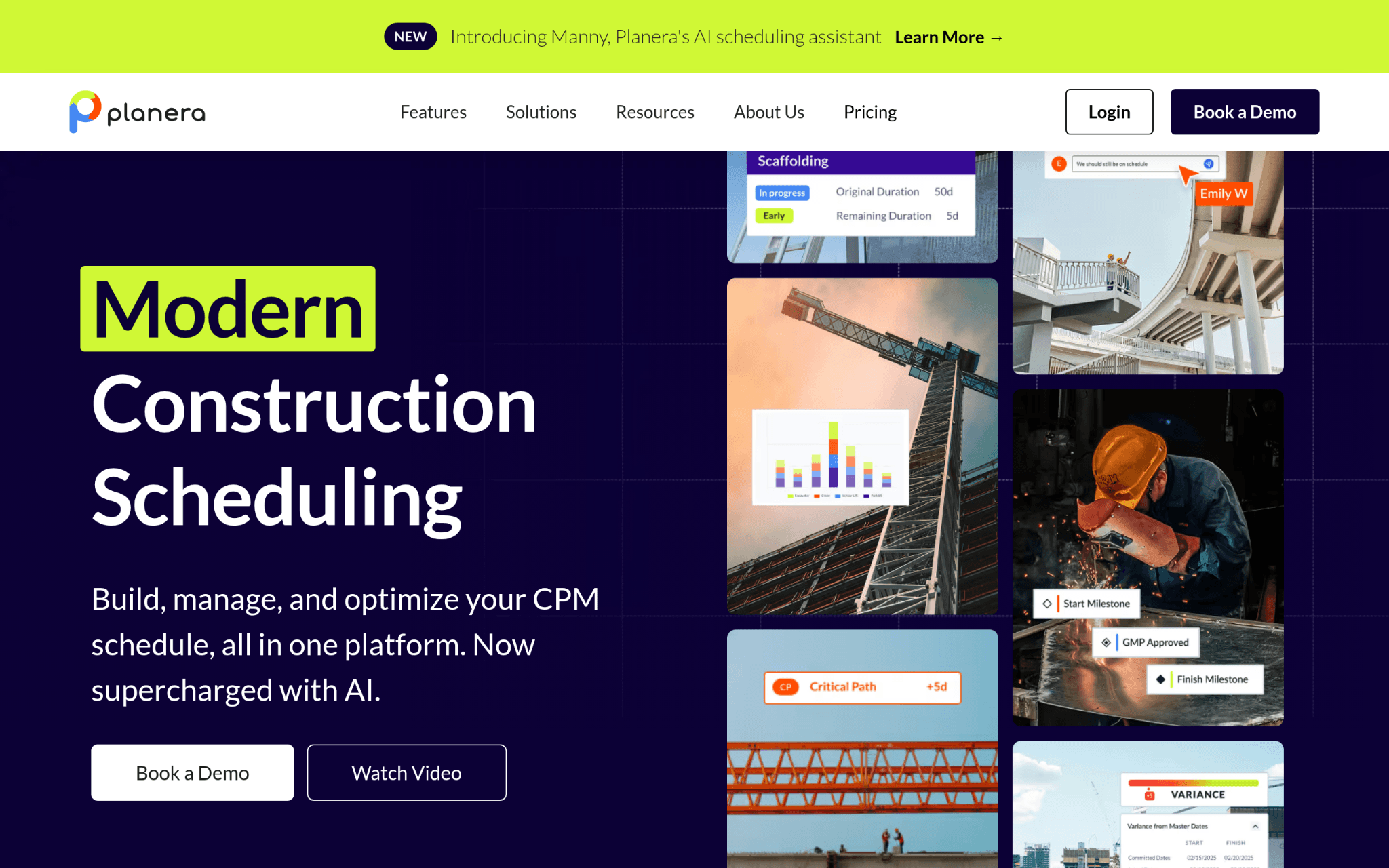
Planera is a collaborative online whiteboard for CPM scheduling in construction. Teams use it to build resource-loaded and cost-loaded schedules without needing a dedicated scheduling expert on hand. It connects office and field crews through a shared, real-time source of truth, and works directly with Procore, Autodesk, Primavera P6, and Microsoft Project, so it fits into existing workflows rather than replacing everything from scratch.
Why Is Planera a Contender for Construction Scheduling Platforms?
Construction teams waste enormous time reconciling schedule versions that were never synced in the first place, and Planera directly solves that by keeping everyone working from one live plan. A platform founded in 2021 that’s already landed clients like Granite, Barton Malow, and Blach Construction is a market signal that’s hard to ignore.
From the User Reviews:
Teams adopting Planera consistently point to the speed of building CPM schedules as a standout quality. Real-time collaboration between field and office comes up repeatedly as something that changes how crews and managers stay aligned. That kind of field-to-office clarity is rare in tools this purpose-built and this new.
- Autodesk Construction Cloud – Best for General Contractors, Specialty Contractors, and Construction Project Owners
Which Products and Services Define Autodesk Construction Cloud?
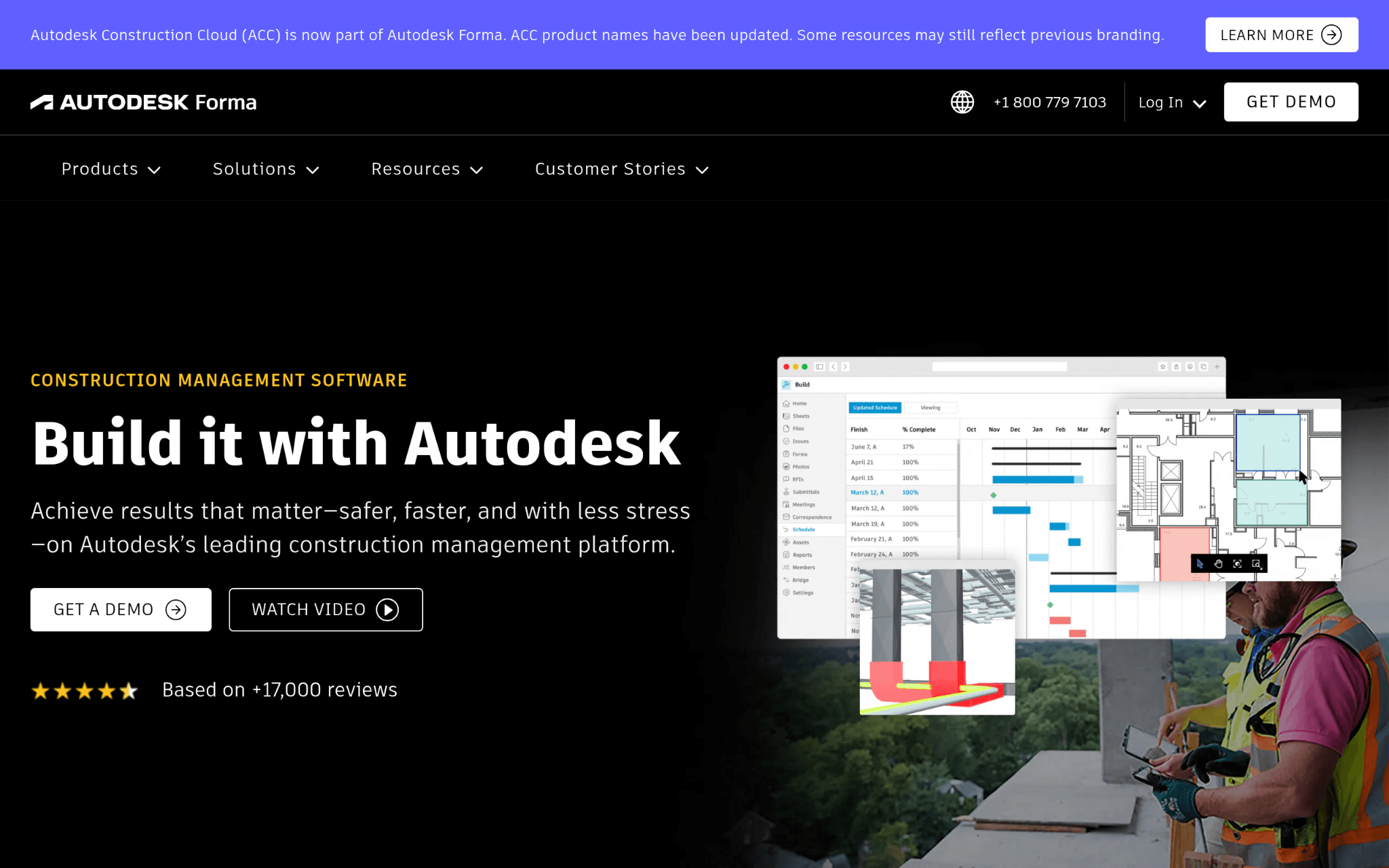
Autodesk Construction Cloud, now part of Autodesk Forma, covers the full project lifecycle from design through operations. The platform handles project management, cost management, safety tracking, and BIM in one place. It’s strong on clash detection, quantity take-off, and office-to-field collaboration.
The ecosystem connects nearly one million subcontractors through BuildingConnected, which gives it reach that most other platforms simply can’t match (not a small thing when your project involves 30 specialty trades).
Why Is Autodesk Construction Cloud a Contender for Construction Scheduling Platforms?
Coordinating between design intent and field execution is where projects quietly lose weeks, and Autodesk Construction Cloud addresses that gap by keeping BIM data and project management workflows under the same roof. Its 2023 Technology Solution Award and use across two million construction projects suggest the feature list is backed by real-world results.
From the User Reviews:
Users consistently flag how much the platform can do as its biggest strength, especially for teams running multiple project types at once. Some note the learning curve is real (think enterprise setup, not a weekend project), but the payoff in project coordination tends to justify it. Case studies pointing to on-time delivery improvements add credibility to what users are already saying.
- Procore – Best for Construction Management for Enterprises and Large Contractors
Which Products and Services Define Procore?
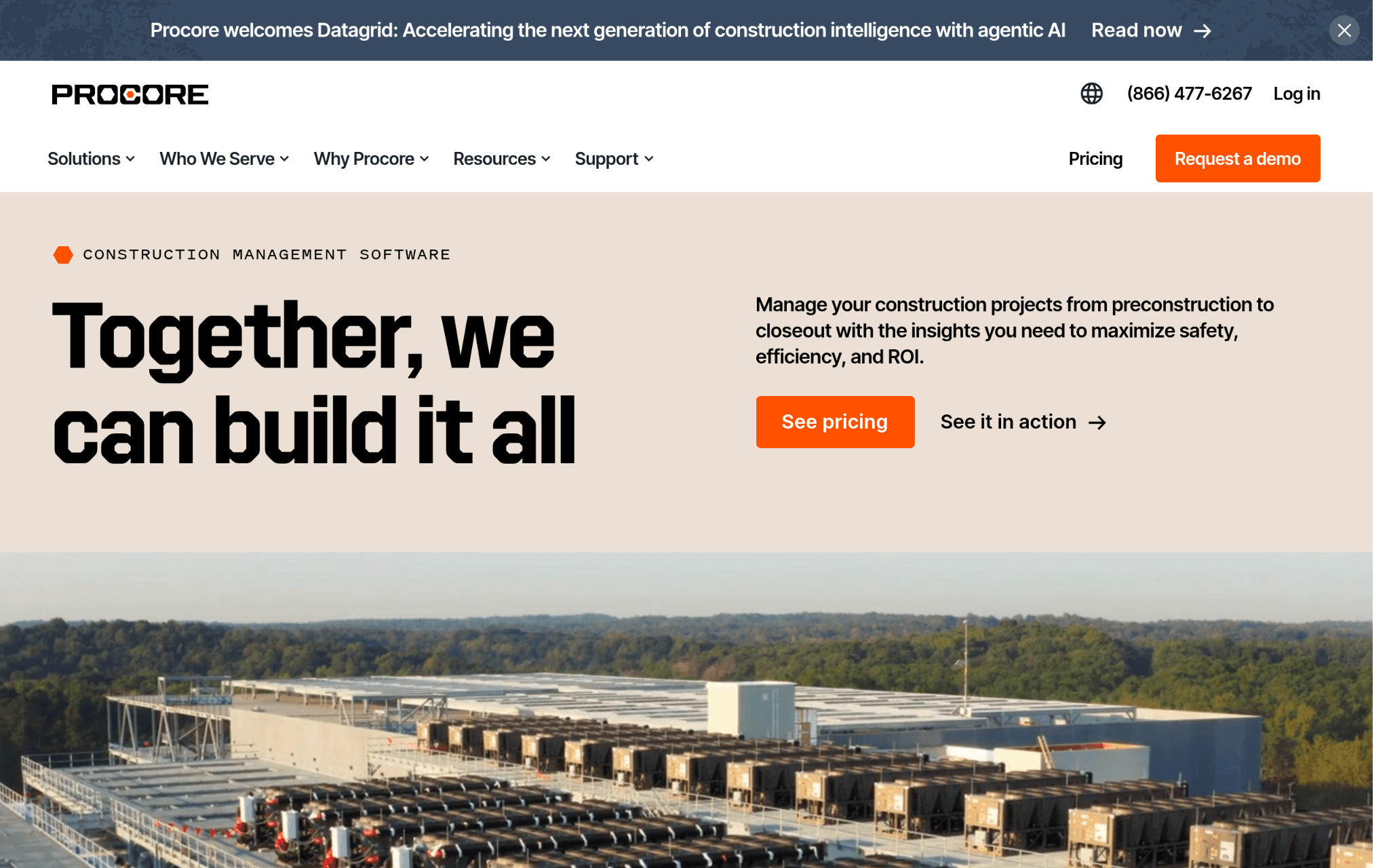
Procore is a construction management platform covering preconstruction, project management, workforce management, financial management, and analytics from one unified system. Their AI layer, Procore Helix, includes Copilot for document summarization and Agents for automating repetitive processes.
With an unlimited user model and integrations across the construction tech stack, the platform is built for teams that can’t afford gaps in visibility at any project phase. Serving over 10,000 customers across 150-plus countries gives it a genuinely broad track record.
Why Is Procore a Contender for Construction Scheduling Platforms?
Large contractors managing dozens of active projects at once need a system where financial data, safety records, and schedule data live together rather than in separate silos. Procore’s unlimited user model means no one gets cut out of the information loop because of a seat count decision, and that structural choice has real impact on how well field and office teams stay synced.
From the User Reviews:
The depth of what users appreciate about Procore goes beyond feature checklists. They cite the financial management tools and mobile capabilities as day-to-day necessities, and SelectHub’s best-in-class ratings across multiple categories reflect what actual users report. The scale of the user base (over two million people managing three million projects) makes it one of the better-tested platforms on this list.
- monday.com – Best for Team Collaboration and Custom Project Management

Which Products and Services Define monday.com?
monday.com is a work operating system that teams configure to match their specific workflows, rather than adjusting their workflows to fit the tool. It includes products covering work management, CRM, development, service desk, digital whiteboarding, and form-based data collection.
The platform is built on modular building blocks with an open API, so construction teams can shape it toward their coordination needs. With over 152,000 customers across 200 countries, it’s one of the most widely adopted flexible work platforms available.
Why Is monday.com a Contender for Construction Scheduling Platforms?
Construction projects often involve workflows that don’t map neatly to rigid software templates, and monday.com’s modular design lets project managers build the exact setup their teams need. Being named a Leader in the 2025 Gartner Magic Quadrant for Adaptive Project Management and Reporting for the fourth consecutive year signals consistent, validated performance at the platform level.
From the User Reviews:
monday.com earns consistent praise for how quickly teams get up and running on it. Construction users note the visual layout and custom workflow options as standout features for coordinating subcontractor activity and tracking project milestones. The flexibility is the point, though teams with very construction-specific scheduling needs sometimes supplement it with dedicated CPM tools.
- Wrike – Best for Enterprise Project Management and Cross-Functional Team Collaboration
Which Products and Services Define Wrike?
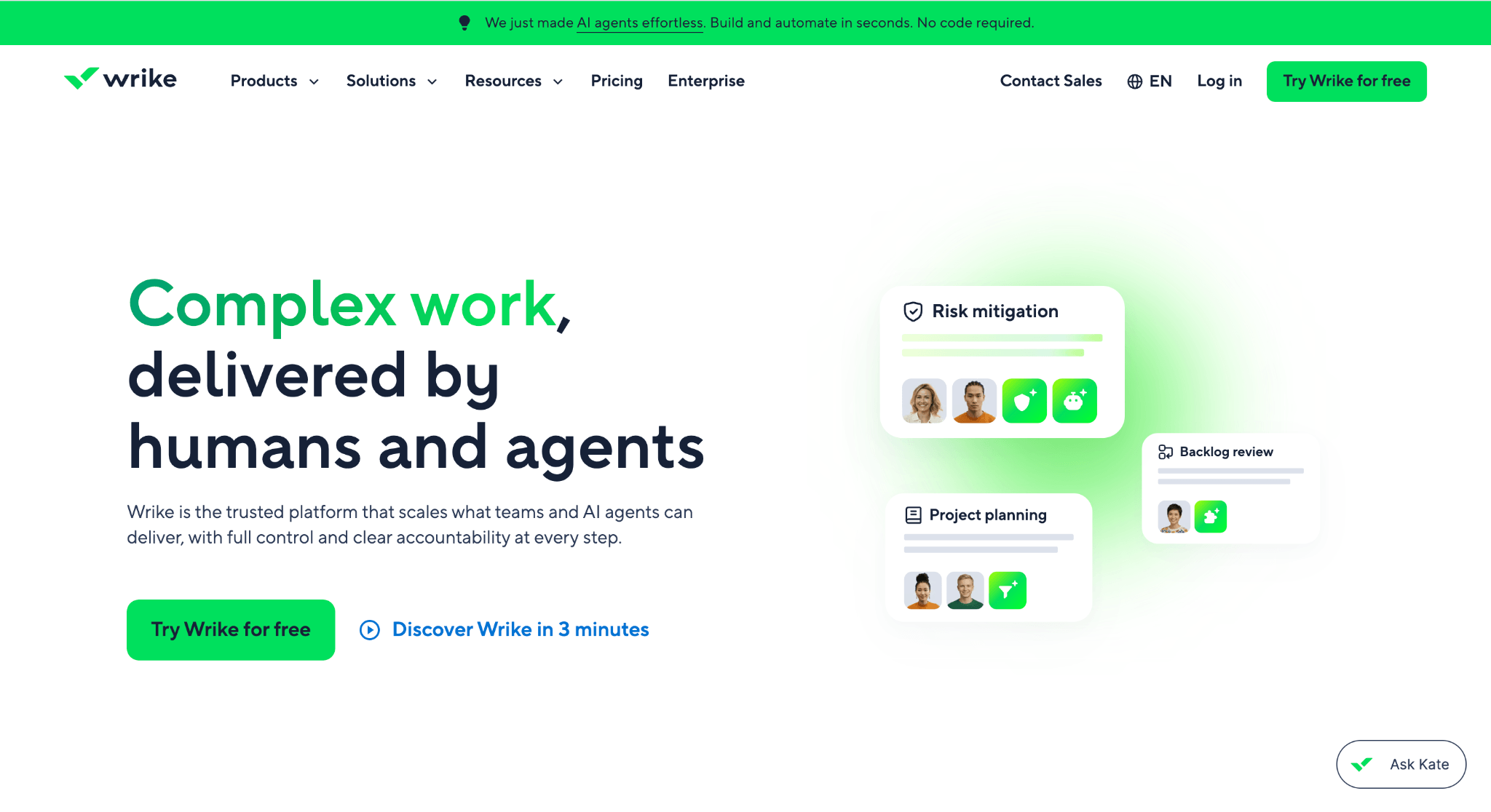
Wrike is a project management platform that handles task tracking, dependencies, resource management, and team collaboration at scale. It features interactive Gantt charts, workload views, and customizable tables, with 400-plus integrations covering tools like Salesforce, Slack, and Zoom.
Their AI capabilities reportedly help teams cut email volume and increase output. Serving over 20,000 companies worldwide puts Wrike among the more widely used project management platforms, though most of its customer base sits outside dedicated construction.
Why Is Wrike a Contender for Construction Scheduling Platforms?
Cross-functional project coordination, especially across large teams with multiple active workstreams, is where Wrike’s Gantt and workload features genuinely deliver. The platform scales well across complex dependencies without requiring a complete rebuild of existing processes, which matters when you’re inheriting a mid-project setup.
From the User Reviews:
Wrike’s 2024 Top Rated recognition from TrustRadius across 14 categories reflects consistent satisfaction among users who need configurable, enterprise-grade project management. Construction teams that use it tend to value the Gantt chart view and resource management features most. That said, teams with deep CPM scheduling needs typically find it works better as a coordination layer than a scheduling engine.
The Process Behind This Ranking
The goal behind this ranking was to surface platforms that genuinely serve construction scheduling at scale, not just tools that happen to have a Gantt chart. Here’s how that evaluation was structured.
What Information Needs to Be Collected
Building the initial list started with broad sourcing across software directories, construction technology publications, and review platforms where project managers and field crews share detailed feedback.
Each platform that appeared consistently across multiple sources was flagged for closer review. Case studies, feature documentation, and official product pages were collected alongside that third-party commentary, so no platform was assessed solely on what it claims about itself.
Pre-Verification Phase
Before any platform moved forward, options with thin or unverifiable track records were removed. Review patterns were analyzed for authenticity and depth. A handful of generic mentions in aggregator lists isn’t the same as a pattern of detailed, project-specific feedback from actual construction professionals. Platforms that lacked evidence of real-world construction use at scale didn’t make it past this stage.
The Verification Phase
Each platform’s stated capabilities were cross-referenced against what users actually report in reviews, case studies, and public documentation. Where a platform claimed strong field-to-office collaboration, that claim was checked against what field teams and project managers describe in their own words. Platforms where claims and real-world results aligned consistently were rated higher than platforms where the gap was obvious.
Tracking Authority Markers
Indicators of credibility and sustained performance were noted across all platforms. These included industry award recognition, mentions in construction technology publications, original research or proprietary data released by the company, and strong client relationships. Autodesk’s 2023 Technology Solution Award, Procore’s SelectHub recognition, and monday.com’s four consecutive years in the Gartner Magic Quadrant are examples of signals that carry meaningful weight in an evaluation like this.
Construction Scheduling Platforms Proof Points
The final check focused on construction scheduling relevance. Platforms were assessed on whether they maintain dedicated scheduling functionality, published case studies from construction projects, and verified reviews from users managing multi-trade, multi-phase builds.
Planera’s adoption across 500-plus live projects, Procore’s three million managed projects, and Autodesk’s two million construction jobs all qualify as meaningful proof points in this category. General project management platforms were included where their construction applicability could be confirmed through real user evidence, not just vendor claims.
How to Pick Your Best Match
Choosing the right construction scheduling platform comes down to knowing what your projects actually need and which tool was built to handle it. Here are the factors worth working through before you commit.
- Industry/Domain Experience: Look at how long the platform has been used in construction, not just project management broadly. Platforms like Planera and Procore are built around construction workflows from the ground up, which matters when your schedules involve CPM logic and trade dependencies.
- Features and Capabilities: Confirm the platform covers what your teams need daily, whether that’s real-time collaboration, resource loading, BIM data compatibility, or Gantt-based tracking. A feature gap at the planning stage becomes a real problem during execution.
- Pricing Structure: Some platforms charge per seat, others use a project-based or unlimited-user model (like Procore). Match the pricing model to your team size and how often people need access.
- Results Measurement: Check whether the platform gives you visibility into schedule performance index, look-ahead accuracy, and planned versus actual completion. If you can’t track those numbers, you can’t manage them.
- Industry Knowledge and Compliance: Prioritize platforms that understand OSHA standards, AIA contracts, and local building codes. A tool that doesn’t account for these realities will create friction in every project phase.
Looking for a Scheduling Tool for a Home Renovation?
The platforms featured above are designed for professional contractors managing large, complex construction projects. For many residential renovations, that level of functionality simply isn’t necessary.
If you’re tackling a home renovation, building a custom home, or managing a smaller residential project, you may not need enterprise-level construction scheduling software with advanced reporting and resource planning features.
Instead, consider these homeowner- and small-contractor-friendly options:
- monday.com: A flexible work management platform that can be customized to track renovation timelines, contractor schedules, budgets, and punch lists.
- Buildertrend: Designed specifically for residential builders and remodelers, with scheduling, budgeting, customer communication, and project management tools in one platform.
- Houzz Pro: Built for residential construction and design professionals, offering project scheduling, client communication, estimates, invoicing, and document management in a single platform.
- Trello: A simple Kanban-style project management tool that’s well suited for homeowners coordinating tasks, material purchases, and contractor milestones.
- Asana: Ideal for organizing project timelines, assigning tasks, and tracking progress on small to mid-sized residential projects.
For most homeowners, a straightforward project management tool is often enough to keep a renovation on schedule. If you’re a residential builder or remodeler managing multiple crews and projects, a construction-specific platform like Buildertrend or CoConstruct may provide the right balance of functionality without the complexity of enterprise construction software.
Closing Thoughts
Construction scheduling platforms are built to solve the coordination challenges that come with large, complex projects, and that’s where the tools in this guide perform best. For commercial contractors and large construction firms, they’re often an essential part of keeping schedules, crews, and budgets on track.
Many of the same principles also apply to residential construction. Custom home builders, residential developers, and remodelers managing extensive renovations can benefit from the same scheduling, collaboration, and progress-tracking capabilities that professional construction teams rely on every day. Even homeowners acting as their own general contractor on a major project may find value in understanding how these platforms help organize complex builds.
Ultimately, the best scheduling platform depends on the scale of your project, the size of your team, and how much coordination is required between the office and the jobsite. Choosing a solution that matches your workflow can help reduce delays, improve communication, and keep your project moving from planning to completion.