Knowing where your family members are can bring peace of mind, especially when kids start traveling to school alone or teenagers begin driving. GPS location sharing apps make it easier to check where loved ones are, get arrival alerts, and stay connected throughout the day.
These apps don’t all work the same way. Some focus on simple location sharing, while others offer driving reports, parental controls, or tools for finding lost devices. Battery life, privacy, and phone compatibility also matter.
We compare three GPS location sharing apps: iSharing, mSpy, and Apple Find My. Each serves a different purpose, so understanding their features and limitations can help you choose the right option for your family.
How This Ranking Was Put Together
This comparison draws on publicly available product information, app store feedback, and independent reporting. We considered location sharing features, compatibility, pricing, privacy, and the everyday needs each app is designed to meet.
These are different types of tools, so the recommendations focus on which app suits each situation rather than claiming one performs best in every category.
- iSharing – Best for family location tracking and teenage driver monitoring
- mSpy – Best for detailed parental monitoring
- Apple Find My – Best for finding Apple devices and sharing locations
Why GPS Location Sharing Apps Are Worth a Closer Look
A location sharing app can be helpful when a child is heading home from school, a family member is traveling, or someone wants to let loved ones know they’ve arrived safely.
Many apps also offer alerts when someone reaches or leaves a saved location. You can get an update without opening the app every time.
Still, there are a few things to consider.
Battery life: Frequent location updates can use more power, especially on older phones. Background settings and signal strength also affect battery use.
Location accuracy: GPS generally works better outdoors. Tall buildings, parking garages, and indoor spaces can make location readings less reliable.
Privacy: Everyone using a location sharing app should understand what information is being shared and who can see it. Parents should also consider age-appropriate boundaries when monitoring children.
Compatibility: Some apps work across iPhone and Android, while others are designed for one ecosystem.
The best choice is usually the app that offers the features your family needs without adding unnecessary complexity.
Comparing the 3 Best GPS Location Sharing Apps
| App | Best For | Pricing Approach |
| iSharing | Family location sharing and teen driving features | Free plan with paid upgrades |
| mSpy | Detailed parental monitoring | Paid subscription |
| Apple Find My | Apple family location sharing and lost items | Included with compatible Apple devices |
Before downloading, check which phones your family uses. iSharing supports iPhone and Android, while Apple Find My works best within Apple’s ecosystem. mSpy supports different device configurations, but its features and setup requirements vary by operating system.
These differences matter. A family that wants simple school arrival alerts may have little need for the broader monitoring tools offered by mSpy.
iSharing – Best for Family Location Tracking and Teenage Driver Monitoring
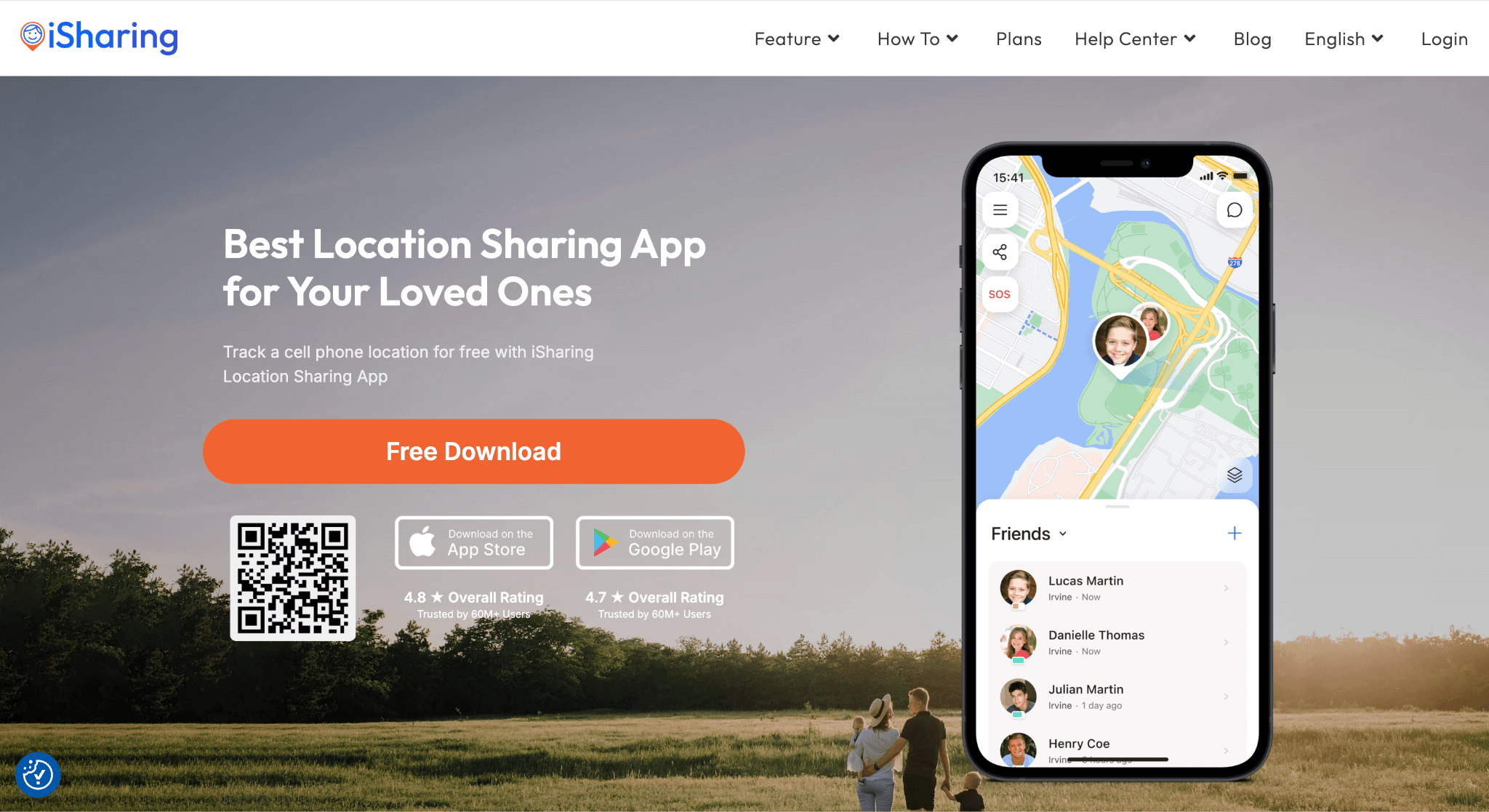
Family Location Sharing, Alerts, and Driving Features
iSharing is a GPS location sharing app designed for families and close groups of friends. It lets users share their location, check where family members are, and receive alerts when someone arrives at or leaves a saved place.
The app also includes features aimed at parents who want to stay informed about their children’s daily routines.
Its main features include:
- Live location sharing: Check a family member’s shared location on a map.
- Place alerts: Receive notifications when someone arrives at or leaves locations such as home or school.
- Panic alerts: Send an emergency alert to selected contacts.
- Driving reports: Review information about driving activity, including speed and sudden braking.
- Location history: Look back at previous locations, depending on the subscription.
iSharing offers a free plan that includes basic location sharing, a standard emergency alert, and one place alert.
More advanced features are available through paid plans. For example, Gold includes driving alerts, while higher tiers offer longer location histories and additional family safety tools.
Why iSharing Works Well for Families
For families with busy schedules, iSharing’s place alerts can be particularly helpful. A parent can set an alert for school and receive a notification when their child arrives, rather than checking the map throughout the morning.
Families with teenage drivers may also appreciate the driving reports. These provide another way to discuss safe driving habits and stay informed about trips.
The app supports households that use both iPhone and Android devices, which is helpful when family members don’t all use the same type of phone.
Its focus on everyday location sharing also keeps things relatively simple. Families who only need arrival alerts and basic location updates may not need the broader monitoring features offered by parental control apps.
What to Know Before Choosing iSharing
The free version covers basic needs, but families interested in driving alerts or longer location histories should compare the paid plans carefully.
Location updates can also be affected by phone settings. Weak signals, disabled location permissions, and battery-saving modes may lead to delayed or incomplete location information.
For families who want location sharing, arrival alerts, and optional teen driving features in one app, iSharing is worth considering.
mSpy – Best for Detailed Parental Monitoring
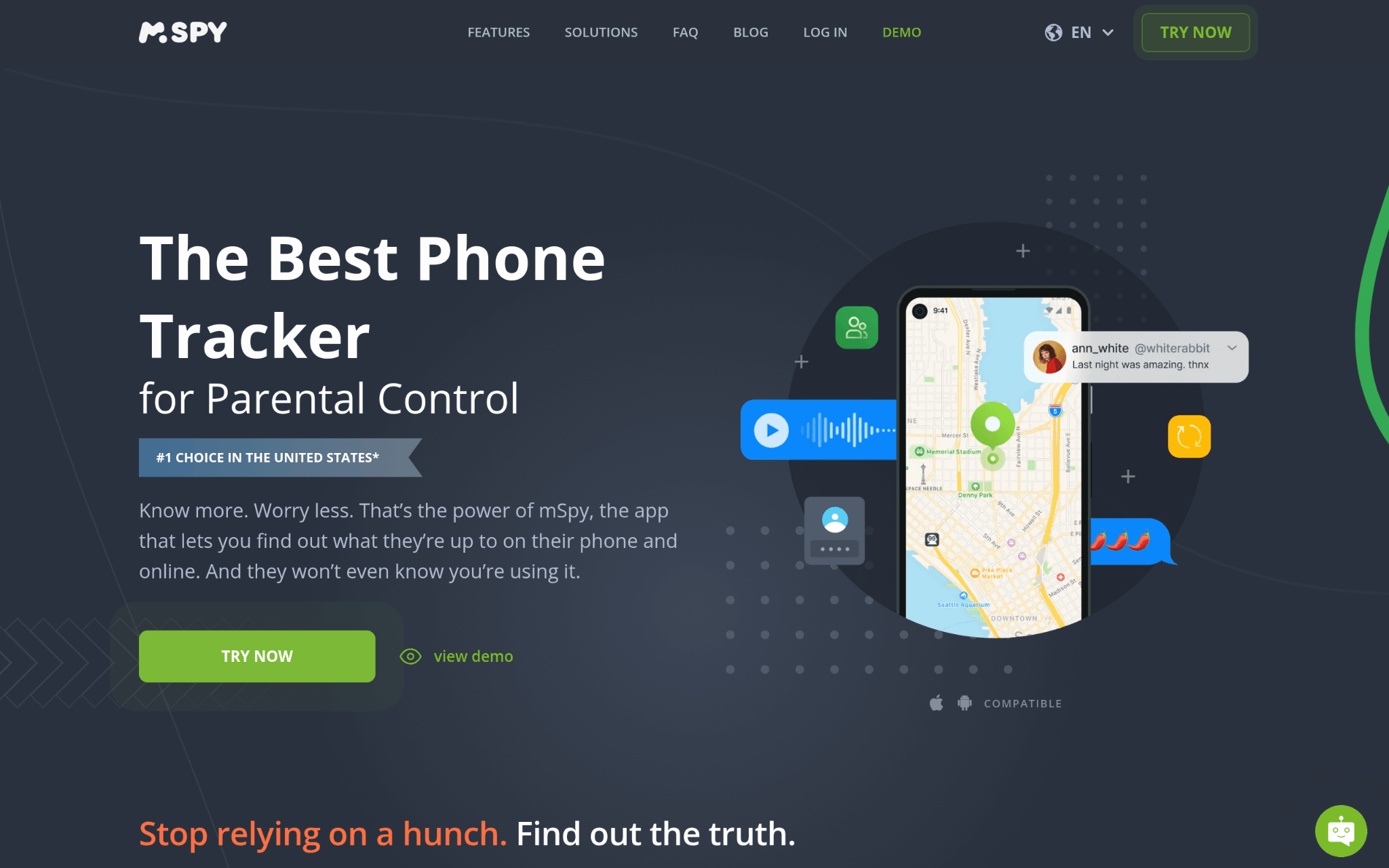
GPS Tracking and Parental Control Features
mSpy takes a different approach to location tracking. Along with GPS monitoring, it offers parental control features that can provide information about activity on a child’s device.
Its available features depend on the device, operating system, subscription, and permissions.
These may include:
- GPS tracking: View location information from a monitored device.
- Geofencing: Set location boundaries and receive alerts when supported.
- Browser activity: Review browsing information where the feature is available.
- Messages and contacts: Access certain communication data on supported devices.
- App activity: Review information about selected apps and device usage.
- Keyword alerts: Receive alerts related to certain activity when the feature is supported.
Some monitoring features require additional setup or device permissions. mSpy’s own compatibility policy also warns that not every feature is guaranteed to work on every supported device.
Check the requirements for your specific phone before purchasing a subscription.
When mSpy May Be Useful
Parents who want more than location updates may find mSpy’s wider range of monitoring tools useful.
For example, a parent concerned about a child’s online activity may want to review certain device activities alongside location information. mSpy offers features intended for that purpose, although their availability varies.
The additional access comes with important privacy and security considerations.
Independent reporting has documented mSpy data exposures in 2018 and 2024. The 2024 incident involved customer support records containing sensitive personal information. Families should consider this history before trusting the platform with private data.
Monitoring laws also vary by location. Parents should understand the rules that apply to their circumstances and use these tools openly and responsibly.
Employee monitoring requires particular care. Tracking another adult’s device without their knowledge or proper authorization can violate privacy laws. Employers should confirm that any monitoring is lawful, disclosed, and appropriate for the workplace.
Privacy, Pricing, and Other Limitations
mSpy uses paid subscriptions for its monitoring services. Plans and features can vary, so check the current terms before purchasing.
The app may also require more setup than a standard location sharing service. Families who only want to know when a child arrives home may find its broader features unnecessary.
Privacy deserves close attention because monitoring tools can collect sensitive personal information. Before choosing mSpy, review what data it collects, how that data is stored, and which controls are available.
mSpy is better suited to parents who need detailed parental controls and understand the responsibilities involved.
Apple Find My – Best for Finding Apple Devices and Sharing Locations
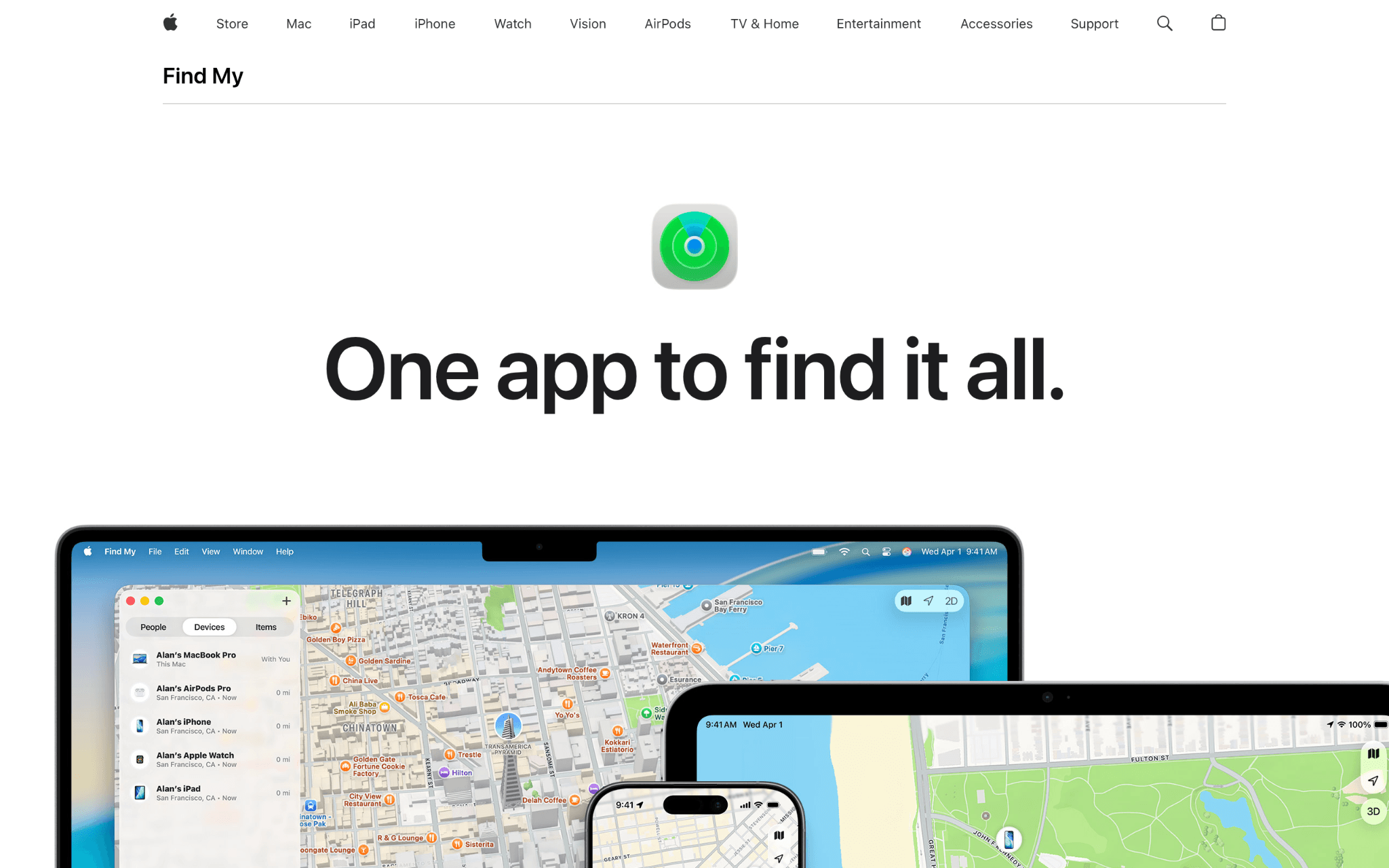
Location Sharing and Lost-Device Features
Apple Find My is built into the Apple ecosystem and helps users locate compatible devices, share locations with other people, and find supported accessories.
For households that already use iPhones, it can be one of the easiest ways to get started with location sharing.
Its main features include:
- People location sharing: Share your location with approved contacts.
- Device finding: Locate supported iPhones, iPads, Macs, and other Apple devices.
- AirTag tracking: Find keys, bags, and other belongings attached to an AirTag.
- Offline finding: Use Apple’s Find My network to help locate supported devices and accessories.
- Unwanted tracking alerts: Receive notifications about certain unknown trackers that may be moving with you.
Apple’s Find My network uses encrypted, anonymous location reporting for supported devices and accessories.
The service also supports compatible third-party accessories, making it useful for finding more than Apple-branded devices.
Why Apple Find My Makes Sense for Apple Households
Convenience is one of Apple Find My’s strongest advantages.
If your family already uses iPhones, there’s usually no need to download a separate location sharing app or create another account. Location sharing is available through Apple’s existing services.
Find My can also help with everyday problems. If you leave your keys somewhere in the house, an attached AirTag can help you locate them. The same network can help find supported devices and accessories when they’re farther away.
Apple’s Find My network uses nearby compatible Apple devices to help locate supported items, even when those items aren’t connected to Wi-Fi or cellular service.
Apple also allows users to share a lost AirTag’s location through a temporary link. This can help participating airlines locate mishandled luggage.
Finding a lost item and tracking a person’s shared location are different features. Their availability and accuracy depend on the device, settings, and surrounding conditions.
Where Apple Find My Falls Short
The main limitation is compatibility.
Find My works best when family members use Apple devices, so it may not be the right choice for households with a mix of iPhones and Android phones.
For mixed-device families, Google Maps location sharing is another free option worth considering. It lets users choose who can see their location and how long that information remains available.
Find My also focuses on location sharing and finding devices. It doesn’t provide the same driving reports or broad parental monitoring features offered by some dedicated apps.
For Apple households, though, it offers a convenient way to share locations and keep track of frequently misplaced belongings without paying for a separate location tracking subscription.
Methodology Behind These Picks
This comparison focuses on three established services with different approaches to location tracking.
iSharing represents family-focused location sharing, mSpy offers broader parental monitoring, and Apple Find My combines location sharing with device and item finding.
Feature information was checked against publicly available product documentation. This included iSharing’s plan comparison, mSpy’s compatibility and subscription information, and Apple’s Find My support materials.
Independent security reporting was also considered, particularly for mSpy.
The comparison does not claim that the three apps were tested under identical conditions. GPS accuracy, notification speed, and battery use can vary by phone, network, location, and settings.
Rather than treating download counts or years in business as proof of quality, the recommendations focus on practical features, limitations, privacy, and compatibility.
Readers should check current product information before downloading or subscribing, since software updates and pricing changes can affect the experience.
How to Choose the Best GPS Location Sharing App for Your Family
Not every GPS location sharing app fits every situation. The right choice depends on who will use it, what information you need, and how much you’re willing to spend.
Check Device Compatibility First
Start by checking the phones your family uses. If everyone has an iPhone, Apple Find My may already provide the location sharing features you need. For households using both iPhone and Android, iSharing may be a more practical choice.
If you’re considering mSpy, review the requirements for your exact device and operating system. Some monitoring features may need additional permissions or setup.
Choose Features You’ll Actually Use
Think about what you want the app to do during a normal week. If you mainly want to know when your children arrive at school or get home, live location sharing and place alerts may be enough.
Parents looking for more detailed information about device activity may want additional parental control features. If you’re mainly trying to find misplaced phones, keys, or bags, a device-finding service may be a better fit.
Compare Free and Paid Plans
Many location sharing apps offer free features, but advanced tools may require a subscription.
Apple Find My is included on supported Apple devices without a separate Find My subscription. iSharing offers a free plan alongside Silver, Gold, and Platinum upgrades.
mSpy generally requires a paid subscription to use its monitoring services.
Before paying, check which features are included, how subscriptions renew, and whether the service offers a refund under your circumstances.
Test Location Accuracy and Battery Use
GPS tracking relies on location services, which can affect battery life.
Accuracy also varies based on the phone, network connection, and surrounding environment. No app can guarantee a perfectly accurate location at all times.
If location updates are important to your family, test the app during normal daily activities before relying on it.
Try checking how quickly alerts arrive and whether location sharing continues to work when the phone is locked or running in battery-saving mode.
Make Privacy Part of the Decision
Location data can reveal where someone lives, works, studies, and spends time.
Choose an app with clear privacy settings and make sure everyone understands what information is shared.
It’s also worth checking how long the company stores location history and whether users can delete their data or stop sharing their location.
Families and employers should consider any applicable privacy laws, including rules concerning children’s data and workplace monitoring.
The Verdict
The right GPS location sharing app depends on what you need it to do.
Choose iSharing if your family wants live location sharing, arrival alerts, and optional features designed for parents of teenage drivers.
Consider mSpy if you need more detailed parental monitoring and understand the privacy, security, and legal responsibilities involved.
Use Apple Find My if your household relies on Apple devices and you want a convenient way to share locations or find missing belongings.
For most families, ease of use, reliable alerts, and clear privacy controls matter more than having the longest feature list.
Start with the family safety features you’ll actually use, check how well the app works on your family’s phones, and make sure everyone is comfortable with the location sharing settings.