Wired connection addition to an already completed home can significantly enhance the stability of streaming, gaming, and remote work in comparison to inclusion of wireless signals alone. A lot of individuals desire better performance of their residential internet without having to cut through drywall or engaging in extensive renovation efforts.
The positive side is that by planning and having the appropriate tools, it is possible to lay Ethernet cables in a clean manner. Knowledge of the structure of the wall, current routes and low impact methods can simplify the process.
Through a systematic method, homeowners can enjoy a reliable wired network without needless damage and maintain the cost within a reasonable range.
Planning Cable Route Before Any Work Begins
It is worthwhile to trace out the most effective route between the router and the target room before touching any walls.
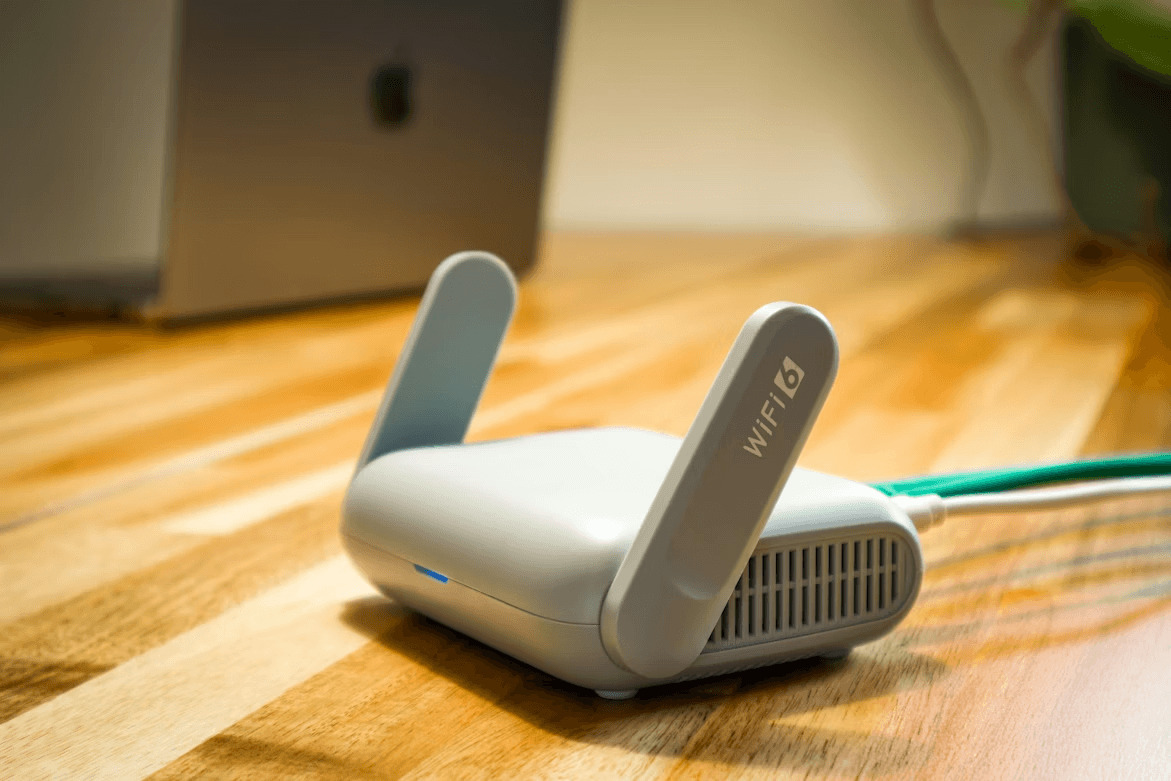
Image credit
This measure alleviates errors and minimizes the use of additional holes. Begin by knowing the position of the internet providers line in the home and the location of your main networking equipment. And then look at paths down closets, down basements, or attics, which might lead to rooms either up or down. The obstacles like plumbing, electrical wiring and insulations that can complicate installation and raise risks are also avoided with careful planning.
Evaluating Existing Wall Pathways
Most completed houses already have concealed pathways, in which running cables become possible with minimum disturbance. Some of them are cold air returns, conduit chases and underbaseboard or crown molding openings.
There are instances where the use of the unused telephone jacks or coaxial outlets can be used to access wall cavities. With these pathways, there is less necessity to cut new openings and it also helps in maintaining the integrity of the wall surface.
A closer examination of these alternatives will save time and minimize the amount of effort that is needed to expand network links.
Using Attics and Basements for Cable Runs
Attics and basements are frequently the most convenient places to run Ethernet through numerous rooms. Through these spaces, cables can be dropped or pulled up through interior wall cavities with little or no visible impact.
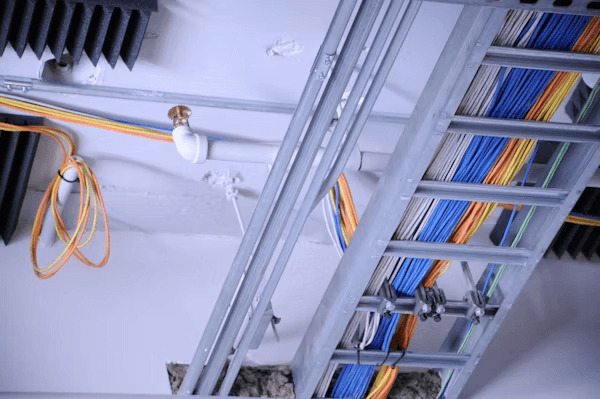
The method is particularly effective in multi story houses where there are existing access points through the vertical. The cable fixing in such locations will help eliminate sagging cables and decrease wear in the long term.
With these hidden zones, homeowners are able to expand their internet network in the homestead without much disturbance to the interior walls hence making them aesthetically clean.
Creating Small Access Points for Installation
Where there are no established routes, small holes might be required to pass cables between walls. These openings are normally located close to baseboards or inside closets where they are not visible. Minimal cutting is also important in order to minimize the amount of repairing needed to be done later.
After the cable has been threaded, the hole can be covered up with wall plates or patching material. This technique gives the opportunity to control the installation and retain the general look of the room and maintain the structural integrity.
Using Fish Tape and Pulling Tools
One of the best tools to use in going through completed walls with the Ethernet cable without inflicting significant damage is fish tape. It enables the installer to move around inside the wall cavity and access remote points with accuracy. The cable is connected to the end of the tape and pulled through the space.
This method helps to reduce friction and lessens the danger of insulation or other components being damaged. Long cable runs can be done effectively and safely with patience and gradual movement.
Avoiding Electrical and Plumbing Hazards
One of the most significant things to remember when working within the walls is that there should be no contact with the electric wiring and plumbing lines. These systems are usually very compact and may be unsafe when disturbed in the wall spaces.
A wire detection stud finder can also be used to detect safe areas prior to drilling or feeding cables. Isolating Ethernet circuits with power lines is also useful in minimizing interferences that may occur in quality of signals. These precautions are to ensure safety and performance is observed during the installation.
Concealing Cable Runs for a Clean Finish
Once the cable is installed, one can focus on making the installation aesthetically unobtrusive. Bases, paintable raceways, or recessed wall plates are used to conceal uncovered parts of cable. These solutions are a combination of what is already present in the decoration and they also safeguard the cable.
Short visible segments can also be covered by the placement of furniture in certain instances. A clean finish will not only make things look better but will also make the installation durable and less likely to be disrupted accidentally with time.
Maintaining Signal Quality and Cable Integrity
Correct installation procedures are important in ensuring good performance of home internet connections. Ethernet cables are not to be tightly bent, kinked or compressed in the spaces of walls. The use of smooth curves and the lack of sharp angles contributes to the preservation of signal strength in case of long distances.
The quality of the cable to be used should also be selected as high quality cable that can be used in the wall and this makes it safe and durable. Proper installation techniques will help achieve high speed and a more consistent connection across the house.
Testing the Connection After Installation
After the cable is completely fitted and fastened, it is important to test to ensure that it is working well. Connecting devices and monitoring network speed are the sure way to make sure the installation is as expected. Weak signals or interruptions can be an indication of wrong routing or physical damage of the cable.

Early testing enables corrections to be made prior to the final sealing of access points. Positive test is to affirm that the new wired connection is prepared to facilitate the stable performance to stream, game and even general usage without having to rely entirely on the wireless coverage.
Final Setup and Long-Term Maintenance
Once everything is operational, it can be fine-tuned and networking equipment can be arranged and cable runs labeled to aid in future reference. Maintaining a basic map of cable lines may prove useful in troubleshooting or upgrades in the future. Periodic inspections are taken to make sure that the cables are safe and intact, over time.
Wired networks can have much higher reliability than regular wireless networks, with proper maintenance and installation. This renders it a worthwhile upgrade option to households that seek to boost the general connection and stability.